Profile Customization
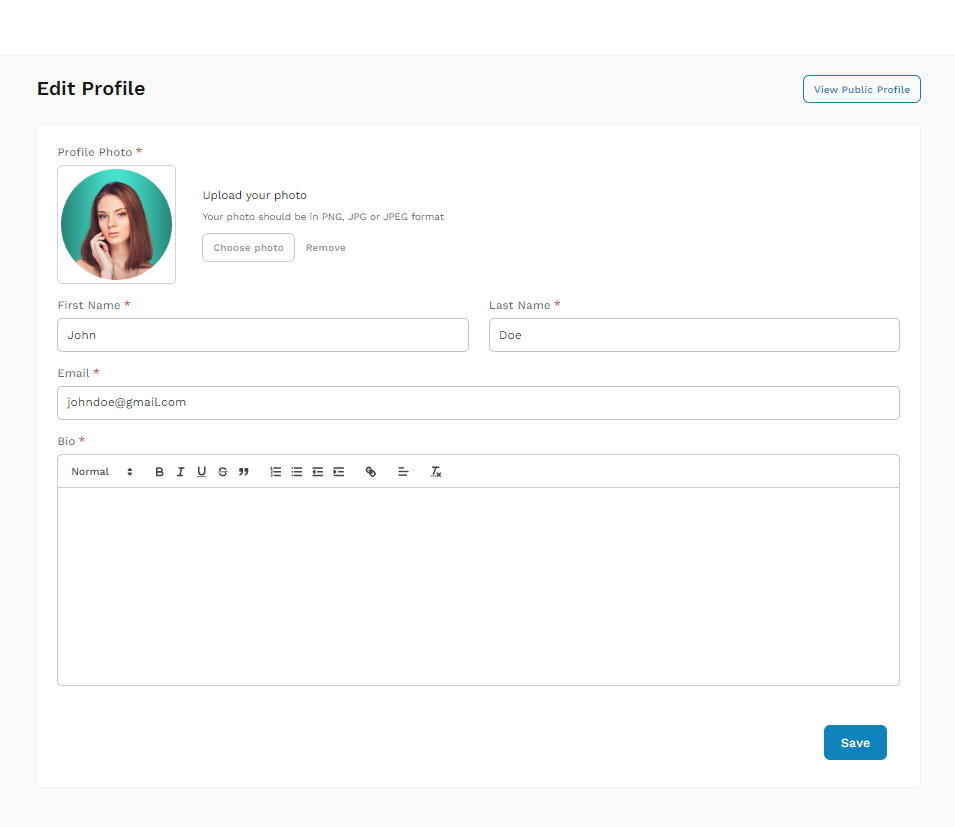
- Open Profile Settings: Click on your profile icon and select 'Profile'.
- Edit Profile: Update your profile details such as profile picture, bio, and contact information.
- Save Changes: Click 'Save' to apply changes.
Password Change
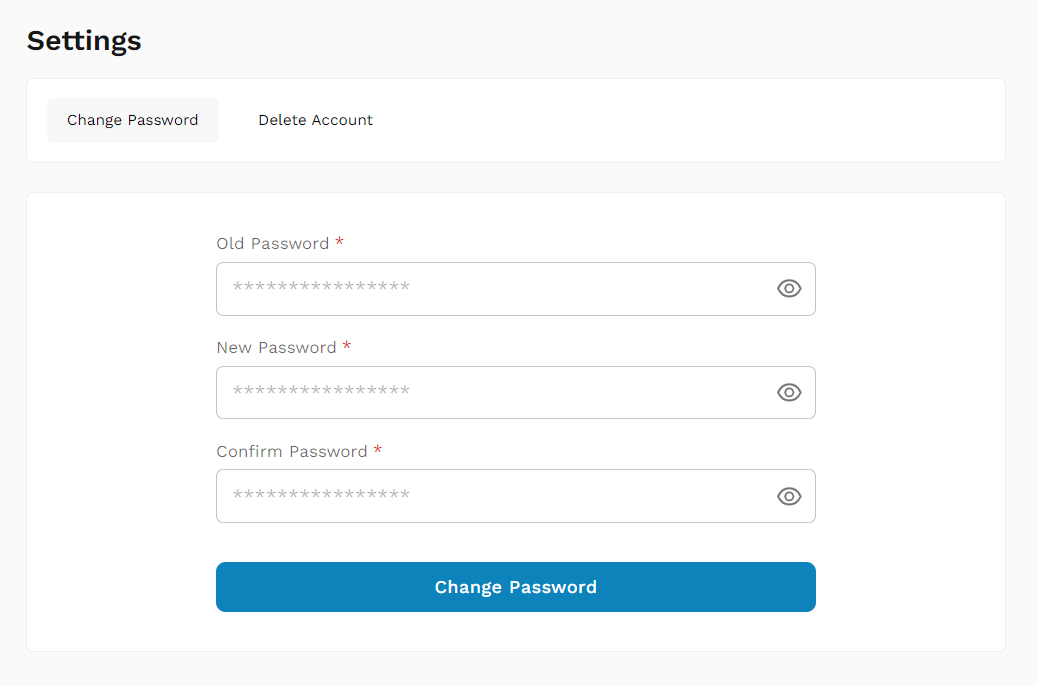
- Access Security Settings: On the sidebar, find and click on 'Settings'.
- Change Password: Enter your current password and then your new password twice for confirmation.
- Confirm Changes: Click 'Change Password' to update your password.
Delete Account
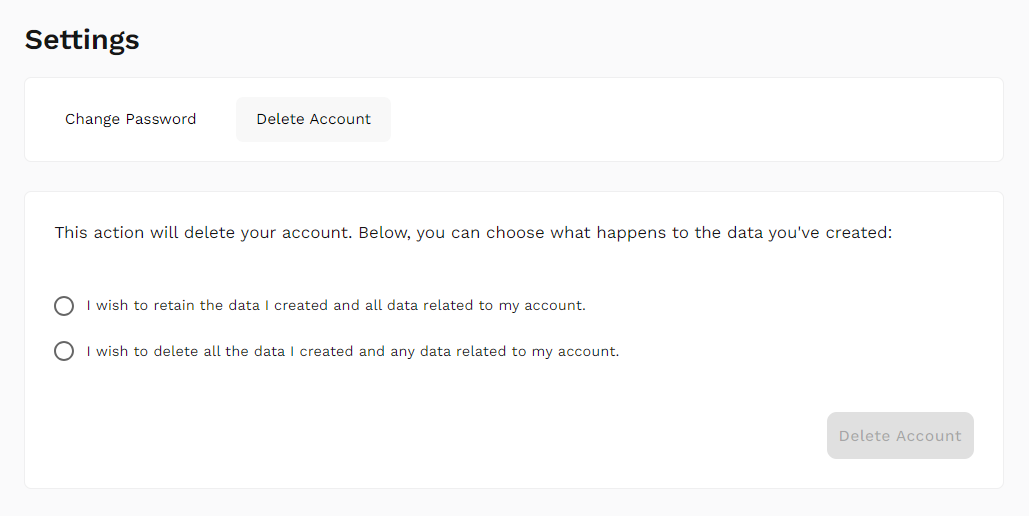
- Access Security Settings: In the sidebar, click on 'Settings,' then navigate to 'Delete Account.'
- Follow Instructions: Follow the prompts provided to complete the account deletion process.